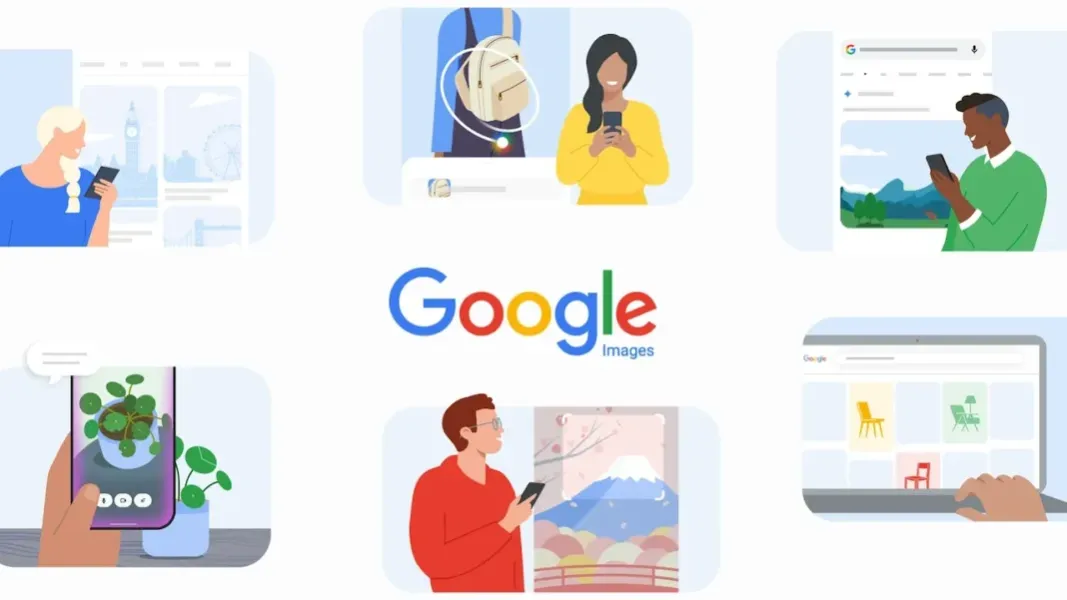
- Images Redesign: Google Images is planned to gain a personalized For You gallery and saved collections.
- Browsing Workflow: Google’s browse-and-save workflow would resemble Pinterest, the visual-discovery and collections platform, while preserving direct image queries.
- Initial Access: The rollout is planned over the coming weeks for signed-in desktop users in US English.
- Separate Generation: Google’s Nano Banana model would generate images in Search’s AI-generated answer area, not inside the redesigned Images home page.
Google is redesigning Google Images, its image-search service, around a browsable discovery gallery. Its proposed home page would offer a Pinterest-style stream for browsing and saving visual ideas while retaining direct image queries.
Eligible users will be able to discover pictures without entering another query, bringing Google Images closer to the browse-and-save workflow associated with Pinterest, the visual-discovery and collections platform. Google plans the initial rollout for signed-in desktop users in US English over the coming weeks. Mobile users and other markets are not part of the disclosed schedule.
Personalization, collections, and access remain planned rather than fully launched for now. A separate feature will generate pictures through Google Search’s Gemini AI tools, but will not place an image-generation control on the redesigned Google Images home page.
From Search Results to a Saved Discovery Feed
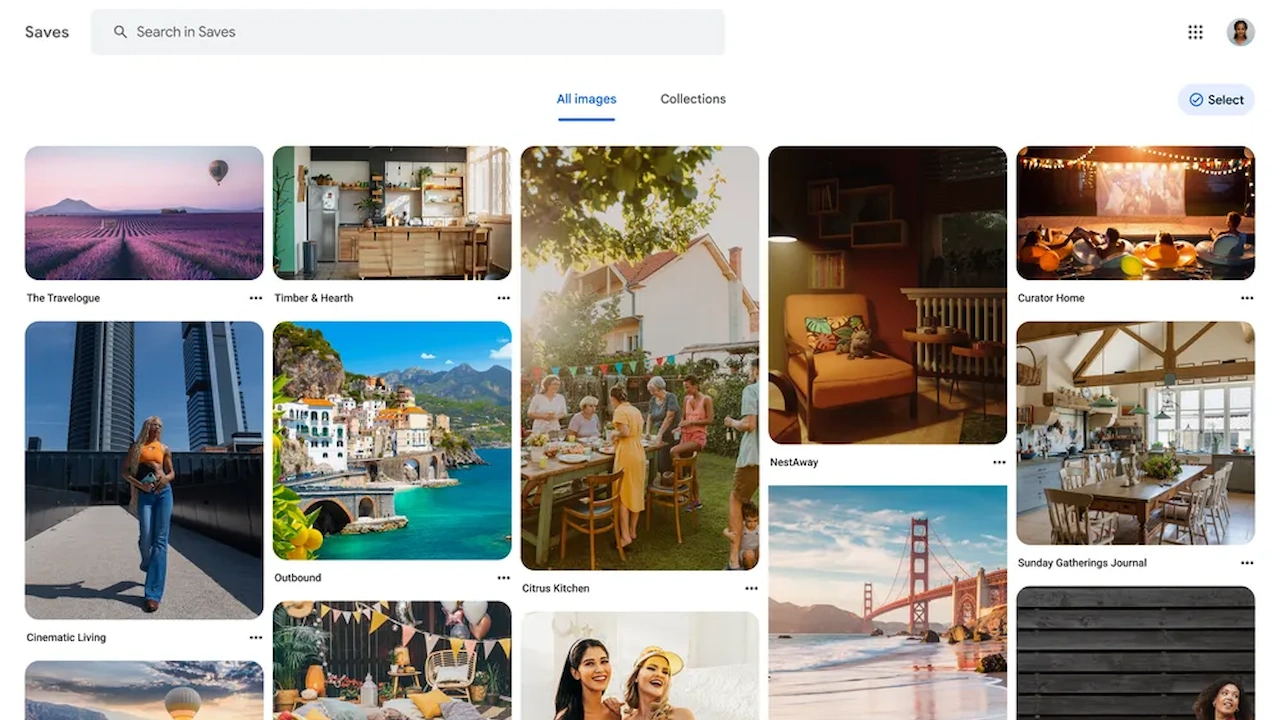
Google’s planned For You gallery will select pictures from across the web using a person’s interests and browsing history, then refresh the stream in real time. A signed-in Google Account supplies the personalization signals. Eligible users can open Images and begin with changing pictures matched to those interests instead of starting every session with search terms.
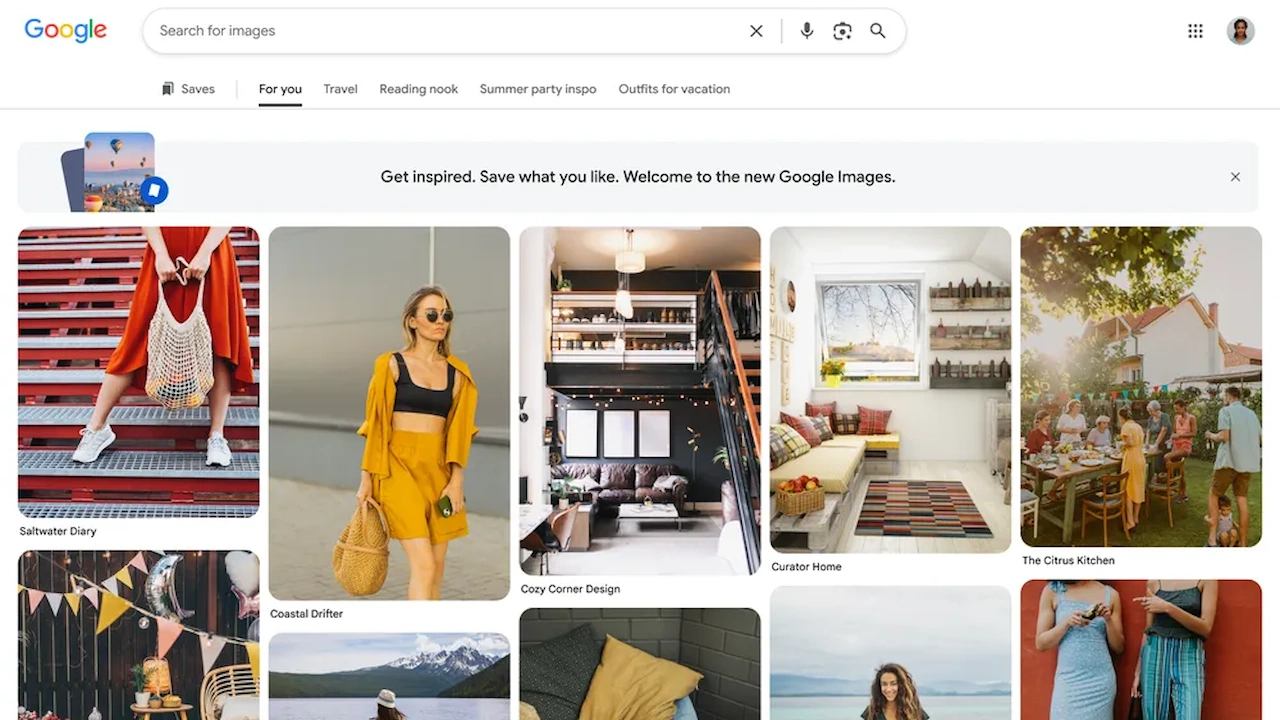
Collections provide the return path through saved groups in tabs above the gallery, allowing users to reopen pictures and resume the same visual subject. Unlike a conventional query that depends on finding the right words again, a collection preserve spictures as the next session’s starting point. Direct lookups remain available as users move between precise searches and open-ended exploration without reconstructing useful results.
Longer, agent-like interactions had already expanded one-shot requests in the company’s main search product. Earlier Google Lens visual search and AI virtual try-on and shopping tools also expanded interactive visual features across Google products. Images would apply that broader interaction pattern to a personalized stream instead of adding another specialized visual-search tool.
Pinterest remains the clearest product comparison because both services organize visual browsing around discovery and saved groups. Google’s version will apply that loop to web images selected for a signed-in Account while preserving direct queries.
Image Generation Remains a Separate Search Feature
Google separately intends to bring image generation into AI Overviews, Google Search’s AI-generated search result view. Users will be able to enter a text prompt in Search, and Google’s Nano Banana image-generation model family then creates a custom visual. Google positions the generator for highly specific requested pictures that do not already exist online.
Keeping image generation in Search creates a practical product boundary. Visitors to the redesigned Images home page would browse pictures already drawn from the web, while people seeking a new synthetic visual have to start with a text prompt in Search. Saved collections will organize found images, not generated ones.
Browsing existing web images and creating a synthetic picture for now remain distinct tasks. Google had already integrated ads in AI Overviews, with Nano Banana 2 Lite providing the image generation technology. Google plans the integration to follow the existing support map for its conversational AI Mode.
AI Overviews image creation is planned for English-language countries where AI Mode already supports it. Its schedule is separate from the narrower Images redesign, which initially requires a signed-in Google Account, a desktop browser, and US English selected as language.
Google says it plans to open the redesigned gallery to eligible users in the coming weeks. Once access arrives, they should be able to save an image and reopen it from a collection tab; the immediate test is whether that limited desktop rollout reaches them as planned.