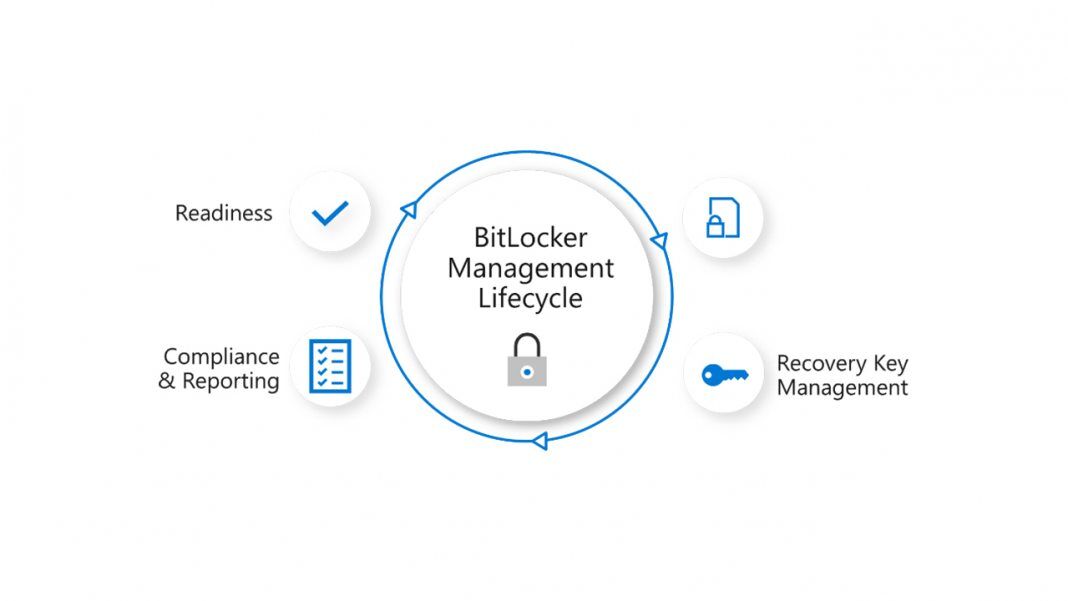
- June Fix: KB5094125 is expected to stop a Windows Server 2025 boot servicing issue tied to BitLocker recovery prompts.
- Affected Systems: Enterprise-managed devices with BitLocker drive encryption, Trusted Platform Module, Platform Configuration Register 7, and Secure Boot settings are exposed.
- Boot Manager: The fix prevents affected systems from installing the 2023-signed Windows Boot Manager before a restart can demand a recovery key.
- Admin Action: Administrators can deploy KB5094125, remove the explicit PCR7 Group Policy setting, or follow the Secure Boot mitigation path.
Microsoft update KB5094125 is expected to stop a managed-server boot servicing issue. Bug-affected systems could hit an unexpected drive-encryption prompt tied to boot-file updates.
Enterprise IT teams still need to check whether their fleets match the narrow risk profile. Microsoft’s BitLocker drive encryption, Trusted Platform Module (TPM) validation, Platform Configuration Register 7 (PCR7), a corporate Group Policy configuration, and Windows Boot Manager signing define the affected path which is not related to Windows failures on consumer PCs.
What KB5094125 Changes
KB5094125 serves as the June cumulative update for all Windows Server 2025 editions.
Related servicing work, including the April BitLocker recovery issue, the Windows 11 BitLocker recovery fix, and the Windows 11 23H2 KB5093998 update, sits in the same June cycle, but the Server 2025 exposure depends on different boot-signing conditions.
Windows Server 2025 systems reach the historically documented recovery condition only when a managed device uses an unrecommended Group Policy configuration. Such a setup can require a recovery key on the first restart after the April 2026 security update, and Microsoft characterizes the configuration as unlikely on personal devices that are not managed by IT departments.
BitLocker checks whether Windows still trusts the boot path before allowing a normal startup. Affected systems combine a TPM security chip, PCR7 Secure Boot measurement, Secure Boot validation, the Windows UEFI CA 2023 certificate, and the device’s Windows Boot Manager signing state.
When PCR7 measurements change, BitLocker can treat the boot path as untrusted and send the device into recovery instead of a normal restart. In practice, the failure path is a mismatch between an enterprise policy profile and a boot-file signing transition that Windows is trying to service, not ordinary encryption behavior.
KB5094125 changes the servicing behavior for systems that still have the incompatible policy. Affected devices are prevented from installing the 2023-signed Windows Boot Manager, avoiding the unexpected recovery-key prompt before a serviced server advances into a boot state that may demand a recovery key at restart.
Administrators can identify impacted systems through Event ID 1032 in the System event log when Windows updates try to apply the Secure Boot update Boot Manager 2023 and the current BitLocker configuration blocks that path. A prompt should appear only on the first restart while the Group Policy configuration remains unchanged, giving help-desk teams a way to separate a one-time servicing interruption from a continuing encryption failure.
KB5094125 preserves BitLocker and Secure Boot protections while stopping a risky boot-file transition. Devices whose existing policy would make the new Windows Boot Manager look untrusted can either install the cumulative update safely or correct the PCR7 policy path first.
Mitigation Paths for IT Admins
Administrators who cannot deploy KB5094125 immediately can remove the Group Policy configuration before installing KB5082063 or later updates and ensure that BitLocker bindings use the PCR7 profile. Removing the policy lets the device install the 2023-signed Windows Boot Manager and continue receiving Secure Boot protections.
When the policy cannot be removed before deployment, administrators can use a BitLocker Windows Boot Manager workaround to install the new Windows Boot Manager on affected devices. Systems that need the Secure Boot servicing change can follow the workaround by temporarily suspending BitLocker, running the Secure-Boot-Update scheduled task, restarting, and re-enabling BitLocker while the explicit PCR7 policy remains in place.
Administrators must choose between correcting policy before the update and carrying a controlled mitigation through the restart window. Earlier recovery incidents show why recovery-key prompts remain a servicing risk for administrators rather than a minor restart nuisance.
Previous cross-version BitLocker recovery problems affected supported Windows releases after July 2024 and May 2025 security updates. Compared with those historical disruptions, the current Windows Server 2025 fix remains narrower, but the common thread is the way security-update changes can collide with tightly managed startup-validation settings.
KB5094125 is the decision point for each managed Windows Server 2025 fleet. Administrators either deploy KB5094125 through Windows Update, Windows Update for Business, the Microsoft Update Catalog, or Windows Server Update Services, or complete the PCR7 and 2023-signed Windows Boot Manager mitigation before the next Secure Boot servicing restart.