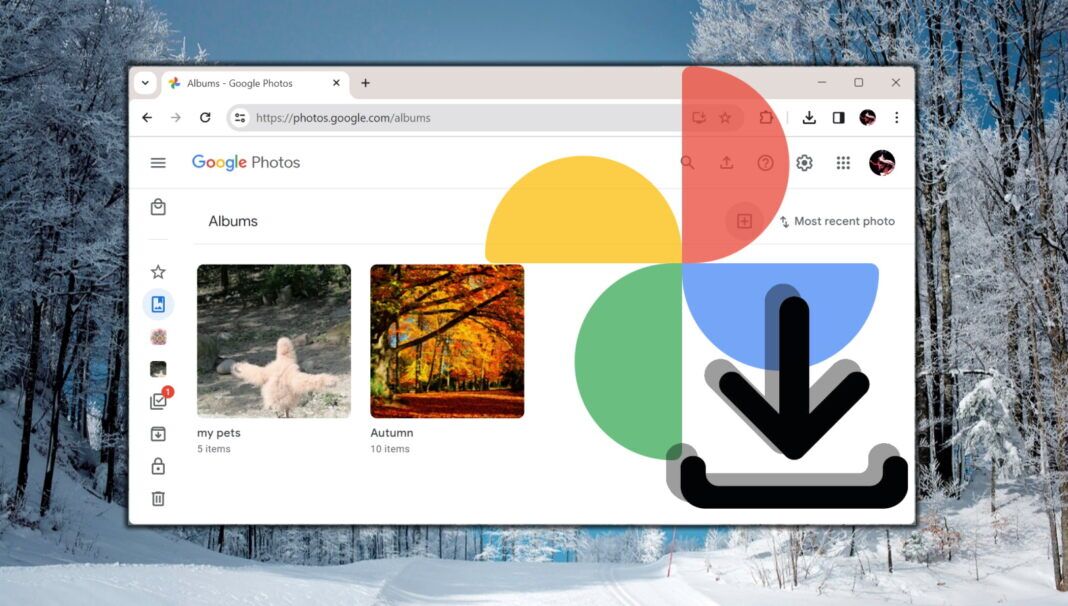
- Scheduled Exports: Google Photos now lets users schedule recurring Takeout archives after a full baseline backup.
- Backup Mechanism: Takeout creates archives every two months for one year, with later runs limited to changed media.
- User Caution: Exports do not delete cloud content, so users still need to verify backups before cleaning storage.
- Portability Context: The feature supports independent copies but remains an archive workflow, not live Photos synchronization.
Google Photos now lets users schedule recurring exports that send only changed Photos media after a full archive. Takeout runs scheduled archives every two months for one year, and Google says the first scheduled archive is created immediately.
Takeout, Google’s tool for exporting copies of account data, creates that first archive as the baseline. Users who keep a second copy of their Photos library on a hard drive, network storage, or another cloud service can avoid downloading the whole library again, giving the feature the practical effect Google summarized as “This saves you time and storage space.”
Large photo libraries make the new routine useful. A full first archive can still be slow and awkward to store, but later change-only exports give users a recurring backup path that does not require pulling the entire library each time.
How Scheduled Exports Change Google Photos Backups
Incremental Takeout for Photos lets users schedule recurring exports of a Google Photos library. Google still treats the first Photos run as a full baseline. Its support wording says: “Your first scheduled export contains all your selected photos and albums.”
Future exports then include media uploaded, backed up, created, or edited since the prior successful backup. Long-time Photos users may still face a large first archive before the smaller cycle begins. People who normally export Photos alongside Gmail, Drive, or other account data may need a separate Photos-only Takeout schedule, so the recurring workflow can require its own export plan rather than piggybacking on a broader account archive.
Takeout’s cadence makes the feature different from a live sync service. Periodic archives leave users responsible for choosing where each package goes, checking destination capacity, and keeping file organization usable. External drives, network-attached storage, and alternate cloud services give the feature its practical audience because smaller recurring packages are easier to store, copy, and review after the baseline exists.
The Backup Limits That Remain
Scheduled exports do not make Takeout a cleanup tool. Downloading an export does not delete content from Google’s servers, so users trying to lower cloud usage still need to verify the backup and remove unwanted media separately. Advanced Protection Program accounts also cannot use scheduled exports, keeping the option outside some higher-security account setups.
Takeout delivery and archive-size settings determine whether the first backup is usable. Archives can arrive by email link or connected services including Google Drive, Dropbox, Box, and Microsoft OneDrive, and Google Photos export files can use a 50GB size option. Large libraries may still split across multiple files, require enough local disk space or destination quota, and demand patience before recurring change-only exports reduce repeat backup work.
First-transfer work remains part of the workflow: the new schedule reduces repeat exports, not the initial copy. A user with years of full-resolution photos may still need to stage the baseline archive overnight, move split files to a backup drive, and check that every selected album arrived before relying on the later schedule. A recurring export helps only when the destination can hold the files and make recovery practical if a phone, account, or local drive fails.
Why Portability Still Shapes Photo Backups
Google’s test of a 5 GB default free Gmail storage cap has made repeat backups more relevant for people juggling Gmail, Drive, and Photos quotas. In 2023, Google accepted data portability concessions in Italy for services including Photos.
In 2018, the Data Transfer Project promoted direct service-to-service data portability as a broader alternative to downloadable archives. A previous Google Photos slip-up sent videos to the wrong recipients through Takeout exports, underscoring why users should verify any archive before deleting source media.
Scheduled Photos exports sit between those ideas. They are not a direct migration rail from Google Photos into a rival service, but they do reduce the repeat labor involved in keeping an independent copy. Connected destinations such as Dropbox, Box, and Microsoft OneDrive also make the Takeout workflow part of a wider personal backup plan rather than a one-off download.
Scheduled Takeout exports remain archive-based rather than a direct sync service, leaving each user to test the first package before trusting the later schedule. Before any cleanup, you will need a complete baseline at the chosen destination; otherwise, deleting cloud media could remove the only complete Photos library instead of freeing storage safely.
Related: How to Download All Photos from Google Photos to PC or Mac
Downloading your entire Google Photos library can be a daunting task if you’re not familiar with the process. Whether you want to download individual photos, entire albums, or even your entire photo library at once, our guide will walk you through the steps. We show different methods tailored to your needs, whether you’re using a PC or Mac. By following these steps, you can ensure that your photos are securely stored on your device.